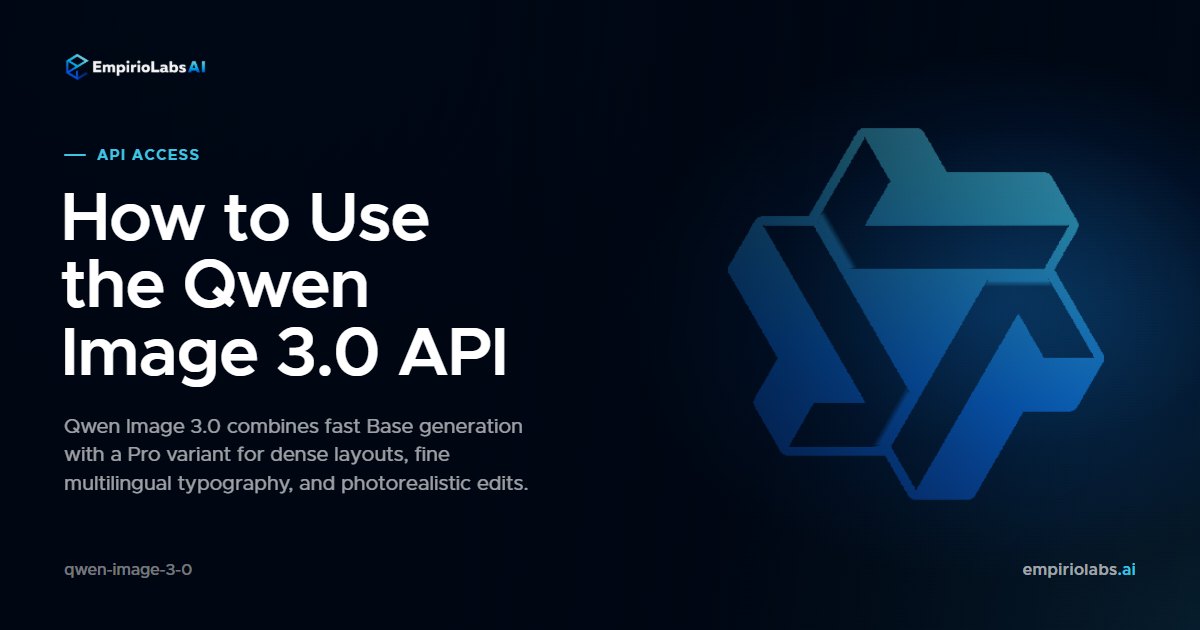
Short answer: Qwen Image 3.0 is one image model with Base and Pro variants for generation and editing. Use model_variant to choose the lower-cost Base variant or the higher-quality Pro variant. Both run through POST /v1/images/generations.
Base or Pro?
| Variant | Best fit | Output billing |
|---|---|---|
qwen-image-3.0 | Fast iteration, production graphics, multilingual text, and routine edits | One output rate across 1K and 2K |
qwen-image-3.0-pro | Dense compositions, fine typography, photorealism, and complex edits | Separate 1K and 2K output tiers |
Both variants accept up to three reference images and can return up to six images in one request. Every reference image adds a small per-image input charge. See the live Qwen Image 3.0 pricing for all Base, Pro, and input-image rates.
Generate with Base
Set sync: true when you want the request to wait for the completed OpenAI-shaped image response. Without it, image generation remains asynchronous and returns a job to poll.
curl -X POST https://api.empiriolabs.ai/v1/images/generations \
  -H "Authorization: Bearer $EMPIRIOLABS_API_KEY" \
  -H "Content-Type: application/json" \
  -d '{
    "model": "qwen-image-3-0",
    "model_variant": "qwen-image-3.0",
    "prompt": "A premium sparkling-water campaign on a cobalt set. The label reads EMPIRIO LABS in crisp white type. Condensation, hard rim light, editorial product photography.",
    "resolution": "1K",
    "aspect_ratio": "4:5",
    "prompt_extend": true,
    "prompt_extend_mode": "direct",
    "num_images": 1,
    "sync": true
  }'
Edit with Pro
Put the images before the instruction. The same endpoint switches into edit mode automatically.
curl -X POST https://api.empiriolabs.ai/v1/images/generations \
  -H "Authorization: Bearer $EMPIRIOLABS_API_KEY" \
  -H "Content-Type: application/json" \
  -d '{
    "model": "qwen-image-3-0",
    "model_variant": "qwen-image-3.0-pro",
    "images": [
      "https://example.com/product.png",
      "https://example.com/style-reference.png"
    ],
    "prompt": "Keep the product identity from the first image, use the lighting and color language from the second, and add the headline BUILT FOR TOMORROW.",
    "size": "2048*1536",
    "negative_prompt": "misspelled text, distorted logo, duplicate product",
    "seed": 271828,
    "sync": true
  }'
Resolution and billing tiers
- Presets: choose
resolutionas1K,2K, orauto, then select anaspect_ratio. - Exact dimensions: use
size: "WIDTH*HEIGHT", or turn onuse_custom_sizeand providecustom_widthpluscustom_height. - Pro threshold: outputs up to 2.25 megapixels use the 1K rate. Anything larger uses the 2K rate.
- Base pricing: Base has one output price across both pixel tiers.
Prompt extension modes
direct is the default and works for both generation and editing. agent performs deeper prompt refinement for text-to-image, but it cannot be used when reference images are attached. Set prompt_extend: false when exact wording and composition instructions should pass through unchanged.
Useful operational notes
- Image-only edits work. If you attach an image without a prompt, EmpirioLabs supplies a neutral instruction that preserves the key subjects.
- Custom sizes have area limits. Output area must stay between 512x512 and 2048x2048 pixels, each side can be at most 2048 pixels, and the aspect ratio must stay between 1:8 and 8:1.
- Reference formats are broad. JPG, JPEG, PNG, BMP, TIFF, WEBP, and GIF are accepted, up to 10 MB per image.
- Complex 2K edits take longer. Build a generous client timeout for dense Pro edits, especially with multiple references.
Try Qwen Image 3.0
Open Qwen Image 3.0 in the Playground. For every parameter, pricing tier, and response field, use the Qwen Image 3.0 API reference.