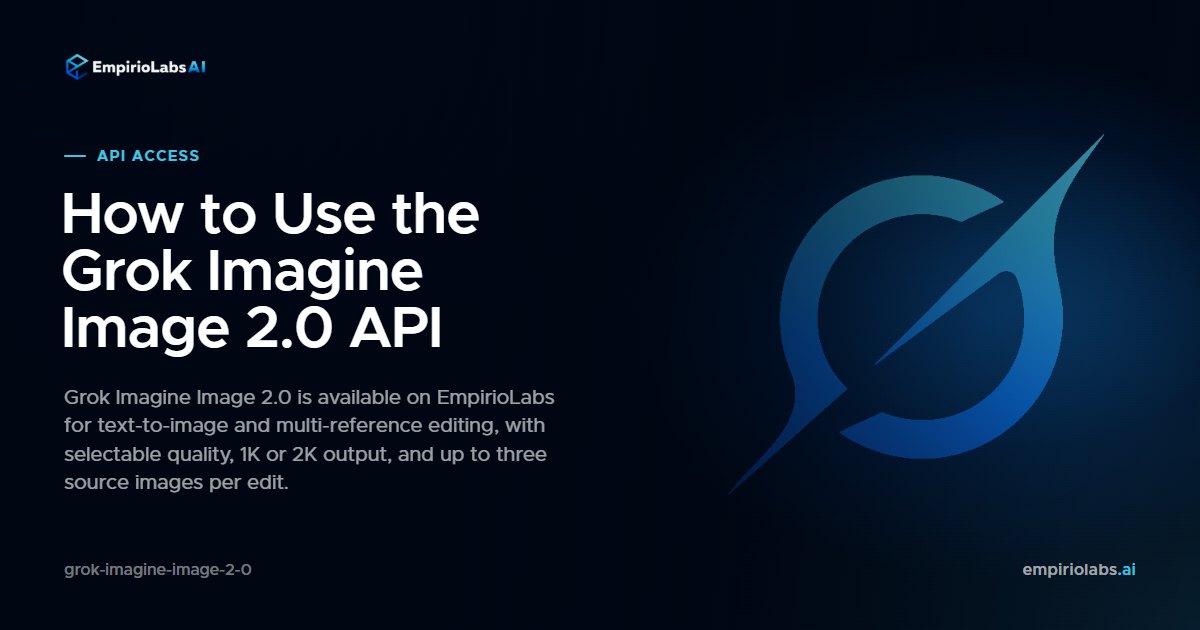
Grok Imagine Image 2.0 is available on EmpirioLabs. xAI's latest Grok Imagine image model generates from a text prompt and edits up to three source images from a plain-language instruction. Quality and resolution are both selectable, output runs to 2K, and it reaches the same OpenAI-compatible endpoints you already use for every other model on the platform.
Watch the launch film
Every frame is a real Grok Imagine Image 2.0 output. The score was generated by ACE-Step on EmpirioLabs.
What it supports
Grok Imagine Image 2.0 takes text and images in and writes images out. It handles three jobs from one model:
- Text-to-image. Send a prompt with no image.
- Image editing. Attach one image and describe the change you want.
- Multi-image editing. Attach two or three images to combine subjects, transfer a style, or compose a scene, and address them in the prompt as <IMAGE_0>, <IMAGE_1>, and so on.
Typography holds up well, which is the part most image models still get wrong. Signage, posters, and product labels come back with the words you actually asked for rather than a plausible-looking scribble.
Generate an image
curl https://api.empiriolabs.ai/v1/images/generations \
  -H "Authorization: Bearer $EMPIRIOLABS_API_KEY" \
  -H "Content-Type: application/json" \
  -d '{
    "model": "grok-imagine-image-2-0",
    "prompt": "A brass telescope on a wooden desk beside a folded star chart, warm lamplight",
    "quality": "medium",
    "resolution": "2k",
    "aspect_ratio": "16:9"
  }'
The same call from the OpenAI Python SDK, pointed at EmpirioLabs:
from openai import OpenAI

client = OpenAI(
    base_url="https://api.empiriolabs.ai/v1",
    api_key="YOUR_EMPIRIOLABS_API_KEY",
)

result = client.images.generate(
    model="grok-imagine-image-2-0",
    prompt="A brass telescope on a wooden desk beside a folded star chart, warm lamplight",
    n=2,
)

for image in result.data:
    print(image.url)
Edit an image
Point /v1/images/edits at a public URL, a data URI, or an image you uploaded, and describe the change.
curl https://api.empiriolabs.ai/v1/images/edits \
  -H "Authorization: Bearer $EMPIRIOLABS_API_KEY" \
  -H "Content-Type: application/json" \
  -d '{
    "model": "grok-imagine-image-2-0",
    "prompt": "Render this as a detailed pencil sketch with cross-hatched shading",
    "image": { "url": "https://example.com/photo.jpg" }
  }'
For a composite, send the plural images array and reference each one by index:
{
  "model": "grok-imagine-image-2-0",
  "prompt": "Place the product from <IMAGE_0> onto the marble surface in <IMAGE_1>",
  "images": [
    { "url": "https://example.com/product.png" },
    { "url": "https://example.com/counter.jpg" }
  ]
}
Quality and resolution
Two independent controls shape the output. quality is low or medium, and resolution is 1k or 2k. They combine into four operating points, so you can pick the one that fits the job instead of paying flagship rates for a thumbnail.
aspect_ratio covers fourteen ratios from 1:1 through 20:9, plus auto, which lets the model choose the shape that suits the prompt. On an edit, auto follows the first source image.
Three things worth knowing
- Quality is a latency control, not just a quality control. Low quality comes back in a handful of seconds. Medium takes substantially longer, especially at 2K. If you are generating inside a user-facing loop, low is often the right default and medium is the deliberate upgrade.
- An edit bills its source images. Each image you attach carries a per-image charge on top of the output image, at the same rate every xAI model on EmpirioLabs charges for a source image, so a three-image composite costs meaningfully more than a plain generation. Text-to-image has no source-image charge at all.
- Your image links do not expire on someone else's schedule. The provider's own output URLs are short-lived. EmpirioLabs re-hosts every generated image on its own signed media URLs before returning them, so what you get back is a link you can store and serve.
Limits
- Up to 3 source images per edit
- Up to 10 output images per request
- Prompts up to 8,000 characters
- Generated images pass an automated content-safety check before they are returned
- An image that is produced and then blocked by content policy is still billed, because xAI charges for the generation even when its own safety check blocks the output
Pricing
Grok Imagine Image 2.0 is pay as you go, billed per output image at the quality and resolution you selected, plus a per-image charge for each source image on an edit. There is no subscription and no minimum. The live rate card is on the model page and on pricing, which always reflect the current rates.
Start building
Try it in the Playground, read the full parameter reference in the API docs, or browse the rest of the catalog on the models page. One API key covers every model on EmpirioLabs.